|
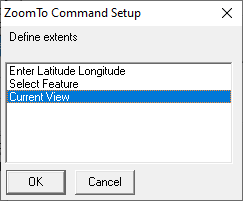
Current View |
This option from the Add Command > ZoomTo - Zoom to a rectangle list allows users to select a specific layer feature to zoom to in the map.
1) Select Select Feature, and then click OK.
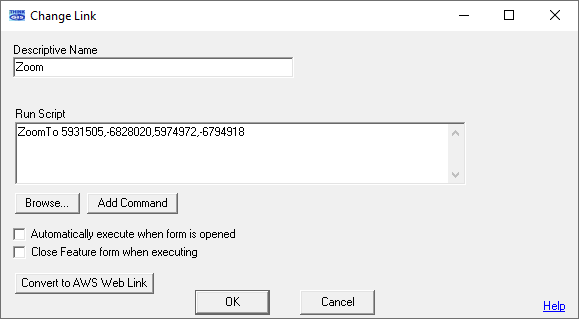
2) Fill in the Descriptive Name for the link, and then click OK.
|
Copyright © 2026 WTH Technology |